Welcome to Prov.
How can we help you today?

Tools For Administrators
Now, more than ever, you need a testing partner you can trust. Offer your candidates the best in online testing, all backed by state-of-the-art ExamRoom.ai proctoring software for a secure testing experience.
Convenience for Candidates
You’ve done the work and preparation. Don’t let anything get in your way! Prov makes test-day simple so you can spend less time testing and more time back at work.

Find Your Test
Download your candidate bulletin for instructions, study materials, and insight for your specific exams

View Tutorials
The Prov tutorials library walks test-takers through every step of the test process. Start watching now!

Schedule a Test
When you’re ready, head to the Prov Scheduler to put your exams on the calendar.
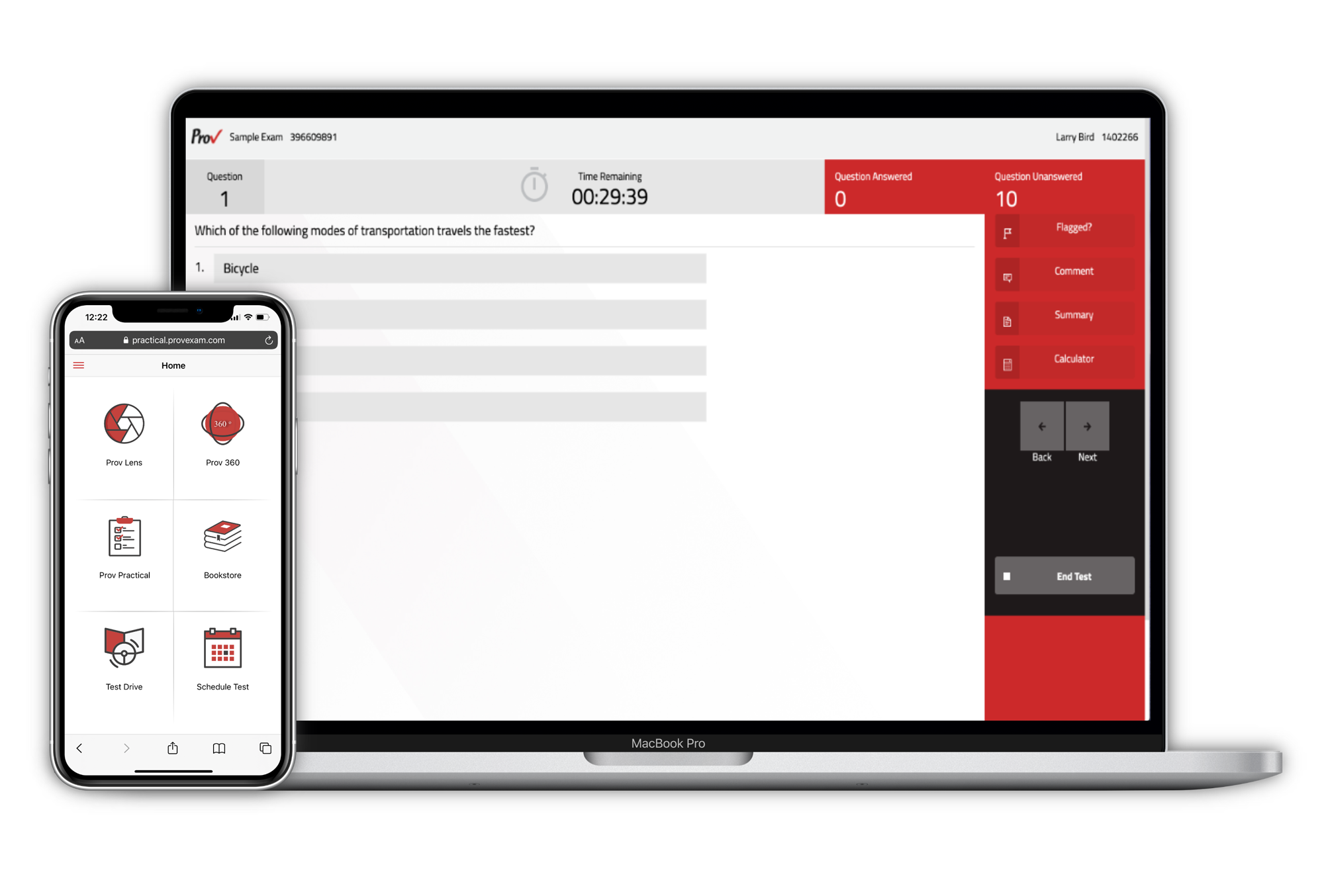
Test Anytime, Anywhere
Online testing gives candidates options to test through a secure online portal or through an in-person test center. The choice is yours.
Time to Hit the Books!
Visit the Prov Bookstore to find the latest approved reference materials and practice exams specific to your industry.